 The app
Talk, type or snap.
Everything lives in one place: your Pulse, approvals, voice, photos and files. No extra numbers, no group chats.
Web app first. iPhone and Android apps coming soon.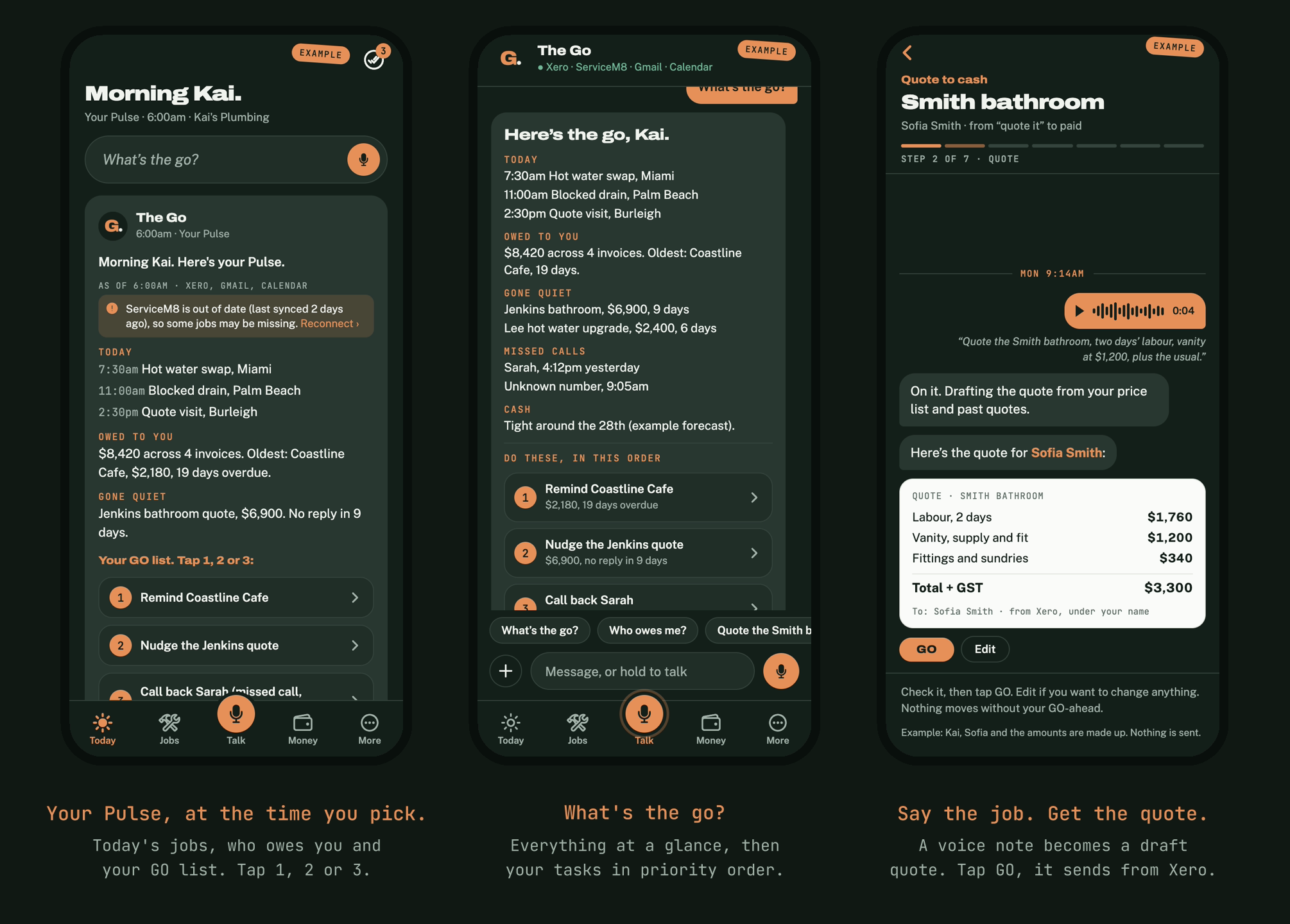
Your whole business, hands free.
Hold to talk.
Say what happened on site. The Go turns your voice note into the job note and the customer text, then waits for your go.
Photos and files.
Tap + for Camera, Photos or Files. The Go puts them on the right job.
Filed in Google Drive.
Photos land in Drive › Jobs › Smith bathroom, so you can find them later.
GO, Edit or Skip.
Every draft waits in one place. Nothing goes out until you say go.
Up a ladder? Just say it.
Hold the mic, talk, let go. The Go writes it up and shows you before anything is sent.
“Smith bathroom, tiles held up till Thursday. Let Sofia know and add a note.”
Site footage turned into reels
Upload clips on the fly and get before-and-after reels. A later add-on, not part of v1.
Nothing to learn.
We set the app up with you. If you can send a voice message, you can use The Go.